Losing access to your Facebook account in 2026 is more than just a social inconvenience; for many, it means losing years of memories, business management tools, and a primary digital identity. As Meta continues to integrate AI into its security infrastructure, the recovery process has become more automated but also more rigorous.
Part 1: The First Response – Immediate Action Steps
If you realize you cannot log in, speed is your greatest ally, especially in cases of unauthorized access (hacking).
1. The “Trusted Device” Advantage
In 2026, Facebook’s AI heavily prioritizes Trusted Device Recognition. Before trying complex recovery forms, attempt to log in using:
- A smartphone or laptop you have used frequently in the last 60 days.
- Your home or office Wi-Fi network (IP address recognition).
- A browser where you previously selected “Remember Me.”
If you are on a familiar device, Facebook often bypasses multi-step verification, allowing you to reset your password via a simple notification.
2. Identifying the Problem
Identify which category your lockout falls into:
- Forgotten Credentials: You simply lost your password or email access.
- Compromised Account (Hacked): Someone else changed your details.
- Disabled Account: Meta suspended you for policy violations.
- Locked Account: Suspicious activity triggered a temporary security freeze.
Part 2: Recovery Without Email or Phone Access
A common 2026 scenario is the “lost trio”: you’ve forgotten your password, your old phone number is inactive, and your recovery email is inaccessible.
The “No Access to These?” Protocol
- Navigate to the Facebook Login Page and click “Forgot Password?”
- Search for your account by entering your full name or username.
- When prompted to send a code, click the link at the bottom: “No longer have access to these?”
- Facebook will now trigger an Identity Challenge. You will be asked to provide a new email address that has never been linked to a Facebook account.
The 2026 Video Selfie Verification
For accounts without a backup email, Meta now uses AI-powered video selfies:
- You will be asked to hold your phone at eye level.
- The app will instruct you to turn your head left, right, up, and down.
- Why this works: Meta’s AI compares the facial geometry of the video to your existing profile pictures and uploaded photos.
- Timeline: AI review usually takes 2–4 hours. Manual human review (if AI fails) can take 48–72 hours.
Part 3: Recovering a Hacked Account
If a hacker has changed your email and enabled Two-Factor Authentication (2FA), the standard “Forgot Password” link will not work.
1. The Hacked Portal
Visit facebook.com/hacked. This is a dedicated environment with higher security permissions.
- Select “Someone else got into my account without my permission.”
- Facebook will ask for the last password you remember. Even if it was changed months ago, providing an old password proves historical ownership.
2. The “Original Email” Reversion
If your email was recently changed, check your actual email inbox for a message from Facebook titled “Email address changed.”
- This email contains a special link: “If you didn’t do this, secure your account here.”
- Clicking this link often allows you to “roll back” the account to your previous email address, effectively kicking the hacker out instantly.
Part 4: Uploading Official Identification
When automated systems fail, you must prove your identity using government documents.
Accepted IDs in 2026:
- Passport or Driver’s License (Recommended for fastest results).
- National ID Card.
- Marriage Certificate or Official Name Change papers (if your name differs from your profile).
Pro-Tips for ID Submission:
- Lighting: Use natural light. Glare on a laminated ID is the #1 reason for rejection.
- Contrast: Place the ID on a dark, flat surface.
- Clarity: Ensure all four corners of the ID are visible in the frame.
- Match: If your Facebook profile uses a “nickname” (e.g., “DJ Sparkle”) but your ID says “John Doe,” you must provide a brief explanation in the additional comments box if prompted.
Part 5: Recovering Disabled or Suspended Accounts
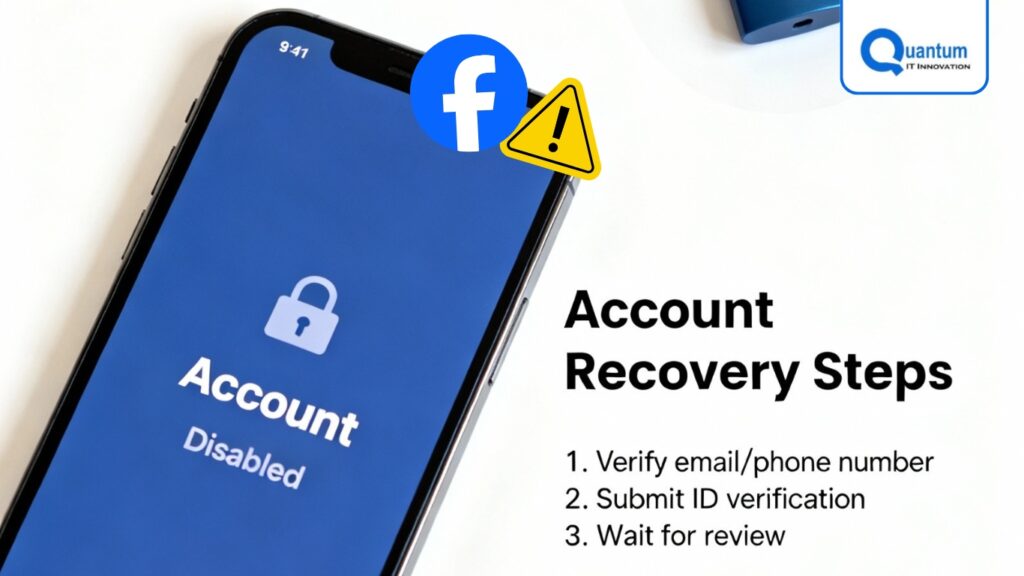
If you see a message stating “Your Account Has Been Disabled,” the recovery is an Appeals Process, not a technical reset.
- The 30-Day Rule: You generally have 30 days from the date of disablement to file an appeal. After 30 days, the account may be permanently deleted.
- The Appeal Form: Use the “Request a Review” button on the lockout screen.
- The Argument: Be concise. If you believe it was a mistake (e.g., a false “Community Standards” flag), state: “I believe my account was flagged in error. I have reviewed the standards and have not intentionally violated them.”
Part 6: Security Hardening (Post-Recovery)
Once you regain access, you must “harden” the account to prevent a repeat incident.
- Audit Logins: Go to Settings > Accounts Center > Password and Security > Where You’re Logged In. Remove any device you don’t recognize.
- Universal Log Out: Select “Log out of all sessions.” This forces the hacker’s device to disconnect.
- 2FA (Two-Factor Authentication): Do NOT use SMS-based 2FA if possible. Use an Authenticator App (Google Authenticator or Duo). This prevents “SIM Swapping” attacks.
- Recovery Codes: Download the 10 static recovery codes provided by Facebook and store them in a physical safe or a secure password manager.
Part 7: Frequently Asked Questions (FAQ)
Q: Can I call Facebook support? A: No. In 2026, Meta does not provide a public phone number for account recovery. Any “Facebook Support Number” you find via a Google search is almost certainly a scam.
Q: How long does the review take? A: Automated AI reviews take 1–6 hours. Manual ID reviews take 2–5 business days.
Q: What if I don’t have an ID? A: You can provide two non-government documents, such as a utility bill and a library card, provided they show the same name and a photo/address that matches your profile.
Conclusion
The 2026 Facebook recovery ecosystem is designed to be self-service. By utilizing a Trusted Device, maintaining Account Clarity (real names and photos), and acting quickly during a hack, your success rate for recovery is over 90%.
Keywords: Facebook Account Recovery 2026, Recover Hacked Facebook, Facebook Video Selfie, Recover Facebook Without Email, Facebook ID Verification, Meta Accounts Center.