In the competitive world of YouTube, you don’t need a hefty budget to build a thriving channel. While paid tools offer advanced features, an entire ecosystem of powerful free tools exists to accelerate your growth right now. The secret isn’t spending money—it’s working smarter with the right resources.
Whether you’re just starting out or you’re a seasoned creator watching every penny, these free tools can transform your workflow, sharpen your strategy, and help you connect with your ideal audience. Let’s dive into the essential free toolkit that will help you grow your channel fast.
1. YouTube Studio: Your Command Center (Free)
Don’t overlook the platform’s own powerful (and free) toolkit.
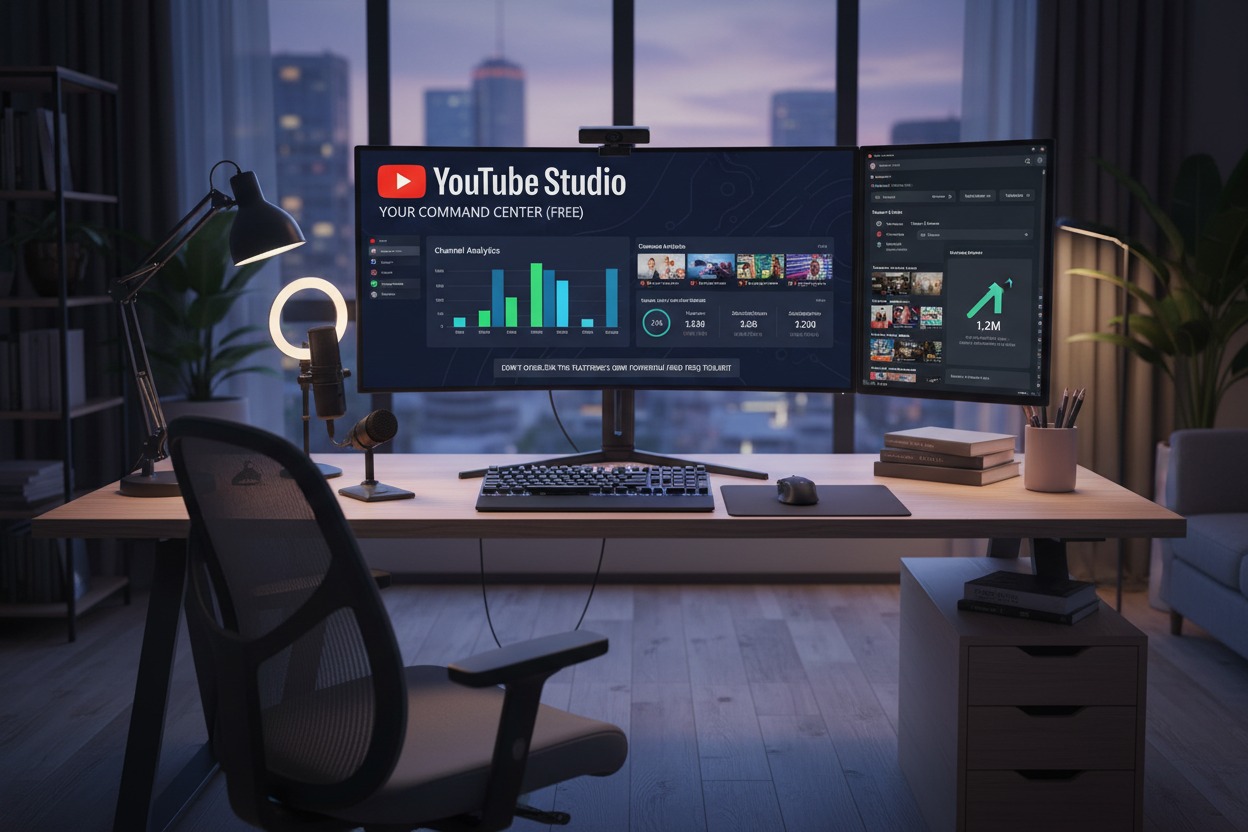
Many creators chase third-party tools while ignoring the increasingly sophisticated analytics and management suite that YouTube provides for free. The 2024-2025 updates have made YouTube Studio a genuine powerhouse.
Key Growth Features:
- Real-Time Analytics: Watch your views, subscribers, and watch time tick up in real time after publishing. This immediate feedback is invaluable for understanding initial audience reception.
- Audience Retention Graphs: The single most important metric for YouTube’s algorithm. Identify exact moments where viewers drop off and adjust your future content accordingly.
- Traffic Source Reports: See where your viewers are discovering you—YouTube Search, Suggested Videos, External sites, etc. Double down on what’s working.
- “Audience” Tab Insights: Learn not just who your viewers are (age, gender, location) but what else they watch. This is pure gold for content ideation and understanding your competitive landscape.
- Comment Management Hub: Efficiently pin, heart, and reply to comments directly. Engagement signals boost your video in the algorithm.
Pro-Tip for Fast Growth:
Set a weekly “Analytics Review” session. Go beyond surface numbers. Ask: “Why did this video have higher retention?” “What common topic appears in ‘Other videos your audience watches’?” Use these insights to plan your next week’s content.
2. TubeBuddy (Free Browser Extension)
The Veteran Free Tool That Still Delivers.
TubeBuddy’s free browser extension integrates directly into your YouTube Studio and video pages, overlaying crucial data and shortcuts that save hours.
Key Growth Features:
- Keyword Explorer: Research search volume and competition for any keyword before you film. Find low-competition, high-search phrases to target.
- Best Time to Publish: Analyzes your channel’s data to recommend the optimal day and time to publish videos for maximum initial engagement.
- Card & End Screen Templates: Quickly add polished, clickable elements to your videos to keep viewers on your channel.
- A/B Thumbnail Tester: While the full split-testing is paid, the free version lets you upload multiple thumbnails and get quick feedback on which one you should use.
- Bulk Processing: Update cards/end screens or add watermarks to multiple old videos at once—a huge time-saver for channel branding.
Pro-Tip for Fast Growth:
Use the Keyword Explorer for every single video. Don’t guess what your title should be; find a phrase people are actually searching for that relates to your content, and make it your primary keyword.
3. Canva (Free Design Platform)
Professional Thumbnails & Graphics Without Photoshop.
Your thumbnail is your billboard. Canva’s free tier is staggeringly powerful for creating eye-catching thumbnails, channel art, and video graphics.
Key Growth Features:
- Pre-Sized YouTube Templates: Hundreds of professionally designed thumbnail, banner, and end screen templates. Customize them in minutes.
- Massive Free Asset Library: Access free photos, graphics, icons, and fonts. The “Pro” elements are marked, so you can easily stick to the free stuff.
- Easy Text & Effect Tools: Add drop shadows, borders, and glows to make your text pop against any background.
- Background Remover: A game-changer. Easily remove the background from your main image to create clean, focused thumbnails. (Note: The one-click tool is a Pro feature, but the free background eraser tool works well with a little patience).
- Brand Kit (Limited): Save your channel’s colors and fonts for consistent, recognizable branding.
Pro-Tip for Fast Growth:
Create a thumbnail template with your consistent branding (font, color scheme, placement). Then, for each new video, you’re only swapping out the main image and text. This creates recognizable consistency that boosts your click-through rate (CTR).
4. DaVinci Resolve (Free Professional Editing Software)
Hollywood-Grade Editing for $0.
Forget about struggling with limited free editors. DaVinci Resolve is a complete professional editing, color correction, visual effects, and audio post-production suite. Its free version is more powerful than most paid competitors.
Key Growth Features:
- Multi-Track Timeline Editing: Edit videos of any length or complexity without watermarks or limitations.
- Professional Color Grading: The same color tools used on major films. Make your footage look rich and cinematic, which subconsciously boosts perceived value.
- Fairlight Audio: Clean up your audio, reduce noise, and balance levels to sound professional.
- Fusion Visual Effects: Add basic motion graphics, titles, and effects to make your videos more dynamic.
- Cut Page: A simplified, ultra-fast editing interface perfect for YouTubers who want to edit quickly without getting lost in advanced features.
Pro-Tip for Fast Growth:
Master two things: 1) The “Cut” page for fast assembly of your main content. 2) Basic color correction using the “Color” page. Simply using the “Auto Color” button can dramatically improve your video’s look and keep viewers engaged longer.
5. OBS Studio (Free Streaming & Recording Software)
The Unbeatable Standard for Screen Recording & Streaming.
Open Broadcaster Software (OBS) is the free, open-source powerhouse behind most professional live streams and high-quality screen recordings.
Key Growth Features:
- High-Quality Screen Recording: Record tutorials, gameplay, or software demos in crisp HD or 4K.
- Scene Management: Create different “scenes” for your stream (e.g., “Starting Soon,” “Main Content,” “BRB”). Appear more professional instantly.
- Unlimited Sources: Layer your webcam, screen, microphone, images, text, and browser windows seamlessly.
- No Watermarks, No Limits: Record for as long as you need, at the quality your hardware can handle, completely free.
- Vast Plugin Library: Extend functionality with free community-built plugins for alerts, transitions, and more.
Pro-Tip for Fast Growth:
Use OBS to create supplementary content. Turn a blog post into a video tutorial by recording your screen while narrating. This repurposing allows you to create more content faster, feeding the YouTube algorithm.
6. AnswerThePublic & Google Trends (Free Ideation Engines)
Never Run Out of Video Ideas People Are Searching For.
Growth stalls when you guess what your audience wants. These tools show you what they are actually asking and searching for.
AnswerThePublic:
- How it Grows Your Channel: Type in a keyword (e.g., “gardening”). It visualizes actual questions people ask on search engines (“how to start a garden,” “when to plant tomatoes,” “why is my plant dying”). Each question is a potential video topic with built-in search demand.
Google Trends:
- How it Grows Your Channel: Compare search interest over time and by region. See if a topic is rising or falling in popularity. Discover related queries. Use it to trend-jack—creating content around a rising trend in your niche to ride the wave of search traffic.
Pro-Tip for Fast Growth:
Combine them. Use AnswerThePublic to generate a list of 50 question-based ideas. Then, check Google Trends for the top 5 to see which ones have stable or growing interest. Film those first.
7. Audacity (Free Audio Editing)
Perfect Your Sound for Maximum Watch Time.
Poor audio is the #1 reason viewers click away. Audacity is a simple, free, and incredibly effective tool to make your voice sound clear and professional.
Key Growth Features:
- Noise Removal: Clean up constant background hum (fans, AC) with a few clicks.
- Compression: Levels out your audio so your whispers are audible and your excited moments aren’t deafening. Crucial for retention.
- EQ (Equalization): Boost the clarity of your voice by cutting low rumble and enhancing presence.
- Trimming & Fading: Quickly cut out mistakes, long pauses, or “ums,” and add smooth fades.
Pro-Tip for Fast Growth:
Create an “Audacity Preset Chain” for your voice. Once you find settings for Noise Removal, Compression, and EQ that work for your microphone and room, save them as a macro. Then, you can process your entire audio track for a podcast or video with three clicks.
Bonus Tool: ChatGPT / Claude / Copilot (Free AI Assistants)
Your 24/7 Creative Partner for Brainstorming & Scripting.
Use AI to break through creative blocks and accelerate your scripting process.
How to Use It for Fast Growth:
- Brainstorming: “Give me 10 YouTube video title ideas about [your niche] for beginners.”
- Script Outlines: “Create a detailed outline for a 10-minute YouTube video titled ‘[Your Video Title]’.”
- Description Writing: “Write a compelling YouTube description for a video about [topic]. Include timestamps and 5 relevant hashtags.”
- SEO Help: “Generate a list of long-tail keywords related to [primary keyword].”
Crucial Warning: Never copy-paste AI scripts. Use them as a starting point and inject your unique personality, stories, and expertise. Authenticity builds a real audience; AI-generated blandness does not.
Putting It All Together: The Free Creator’s Workflow
Here’s how to combine these tools into a rapid-growth system:
- IDEATE: Use AnswerThePublic/Google Trends to find a high-demand question in your niche.
- RESEARCH: Use TubeBuddy’s Keyword Explorer to validate search volume and find your primary keyword.
- PLAN & WRITE: Use an AI Assistant to draft a script outline, then fill it with your unique value.
- RECORD: Use OBS Studio for screen recordings or your camera. Record clean audio.
- EDIT AUDIO: Process your voice track in Audacity with your preset chain for clarity.
- EDIT VIDEO: Assemble and color-grade your video in DaVinci Resolve.
- DESIGN: Create a standout, brand-consistent thumbnail in Canva.
- OPTIMIZE & PUBLISH: Use TubeBuddy to find your best publish time. Write your title (with the keyword), description, and tags. Upload.
- ANALYZE & REPEAT: One week later, review the YouTube Studio Analytics for that video. What was the retention like? Where did traffic come from? Apply those lessons to your next video.
Final Word: Consistency Beats Cost
The most expensive tool is the one you don’t use. The fastest path to YouTube growth isn’t a magical paid software—it’s consistent application of these free resources combined with your unique perspective and value.
Start with just two tools this week: Master YouTube Studio’s analytics to understand your current audience, and use Canva to improve your thumbnails. Once that’s a habit, add another tool to your workflow.
Your budget isn’t holding you back. Your strategy, consistency, and willingness to use the powerful free tools available are what will determine how fast your channel grows. Now go create