5 Tools to Turn One YouTube Video into 20 Shorts: In 2026, the “one-and-done” approach to YouTube is a recipe for stagnation. If you aren’t squeezing every ounce of value from your long-form videos by slicing them into vertical, high-retention Shorts, you are leaving millions of views on the table.
The problem? Manually hunting for “the hook” in a 40-minute podcast or tutorial is a soul-crushing grind. Fortunately, the latest generation of AI-powered “clippers” has turned this into a 60-second task. These tools don’t just cut video; they use multimodal AI to analyze facial expressions, audience sentiment, and viral trends to find the exact moments that will stop the scroll.
Here are the 5 best tools in 2026 to turn one YouTube video into a month’s worth of viral Shorts.
1. OpusClip (The “Gold Standard”)
OpusClip remains the market leader for a reason. Its ClipAnything model is uniquely capable of handling more than just “talking head” podcasts. Whether it’s gaming, vlogs, or sports, OpusClip identifies the most “viral-worthy” moments with high accuracy.
- The “20 Shorts” Factor: From a 30-minute video, OpusClip typically generates 15–22 clips, each ranked with a Virality Score to tell you which ones to post first.
- Key Feature: AI B-Roll. It automatically overlays relevant stock footage or AI-generated visuals to cover up boring segments or emphasize a point.
- Best For: All-around creators who want a “set it and forget it” workflow.
2. Get Munch (The Trend Analyst)
Munch doesn’t just look at your video; it looks at the world. It integrates real-time data from TikTok, Instagram, and YouTube trends to ensure the clips it extracts are contextually relevant to what is trending right now.
- The “20 Shorts” Factor: Munch focuses on “Content Nuggets”—short, punchy segments that it reframes perfectly into a 9:16 aspect ratio.
- Key Feature: Magic Posts. It doesn’t just give you the video; it generates the SEO-optimized title, description, and hashtags for each specific platform.
- Best For: Marketers and businesses who need their content to align with current social media algorithms.
3. Vizard.ai (The Speaker Specialist)
If your content features multiple speakers (like a panel or interview), Vizard is your best friend. Its Speaker Auto-focus technology uses AI object tracking to keep the person talking dead-center, even if they were off-set in the original landscape footage.
- The “20 Shorts” Factor: It is incredibly efficient at batch-producing “nuggets” in under 5 minutes.
- Key Feature: Dynamic AI Emojis. Vizard automatically inserts animated emojis that react to the tone of the speaker, a trend that is mandatory for high-retention Shorts in 2026.
- Best For: Podcasters and webinar hosts with multi-person setups.
4. Klap (The “One-Click” Growth Engine)
Klap is built for speed. It specializes in Topic Detection, meaning it can take a structured educational video and perfectly segment it by the different points you made.
- The “20 Shorts” Factor: It boasts that a 15-minute video can reliably produce 15–20 high-quality clips in one pass.
- Key Feature: AI Reframe 2. Their 2026 update supports complex layouts like “Split Screen” (perfect for “Reddit Stories” or “GTA Gameplay” style backgrounds) and “Screencasts.”
- Best For: Educators and “How-to” creators who need to maintain visual clarity on-screen.
5. CapCut (The Manual-AI Hybrid)
While the others are automation-first, CapCut’s 2026 suite offers the best balance for creators who want the AI to do the heavy lifting but want “pro-level” final polish. Its Long Video to Shorts feature is now fully integrated into its desktop and mobile apps.
- The “20 Shorts” Factor: It identifies highlights quickly, but its real power is the library of Viral Templates you can apply to those clips instantly.
- Key Feature: Lip Sync Studio. If the AI-cut segment starts mid-sentence, CapCut can “fix” the lip movement or audio transition to make it feel like a natural start.
- Best For: Creators who want their Shorts to have a specific, high-end “aesthetic” that generic AI tools can’t quite match.
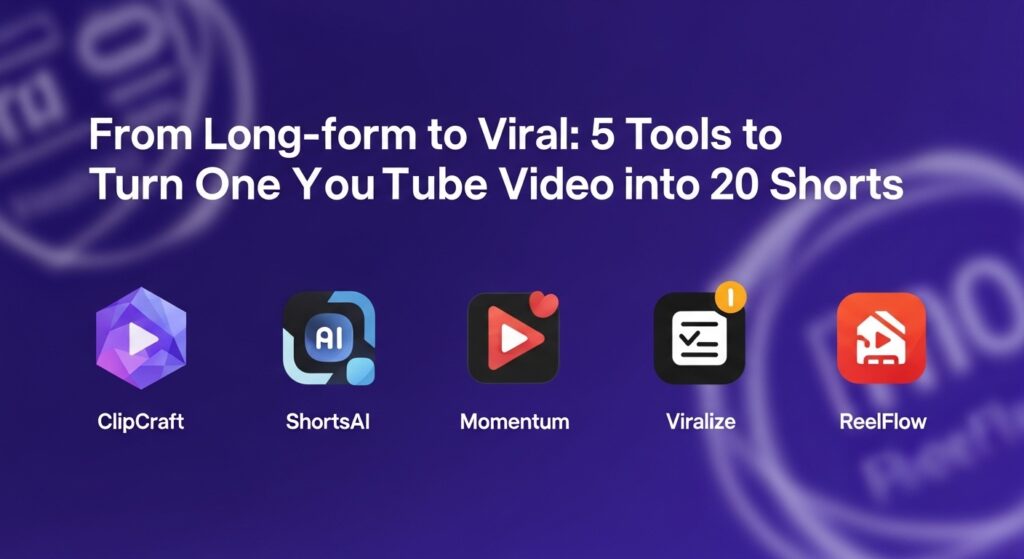
Comparison Table: Which Clipper Should You Choose?
| Tool | Best For | Top 2026 Feature | Pricing Starts At |
| OpusClip | General Viral Reach | AI B-Roll & XML Export | $9/mo |
| Munch | Marketing/Trends | Trend-Sync Analytics | $49/mo |
| Vizard | Interviews/Podcasts | AI Speaker Auto-focus | Free / Paid |
| Klap | Fast Repurposing | Topic-Based Clipping | $29/mo |
| CapCut | Creative Polish | Lip Sync & Viral Templates | Free / $10/mo |
Pro-Tip: The “20-in-10” Workflow
To truly dominate, don’t just post these to YouTube. Take the 20 clips generated by these tools and use a scheduler like Metricool or Buffer to distribute them across TikTok and Instagram Reels simultaneously. One hour of recording can easily result in 60 total posts across three platforms.