Facebook Video Embed Tool
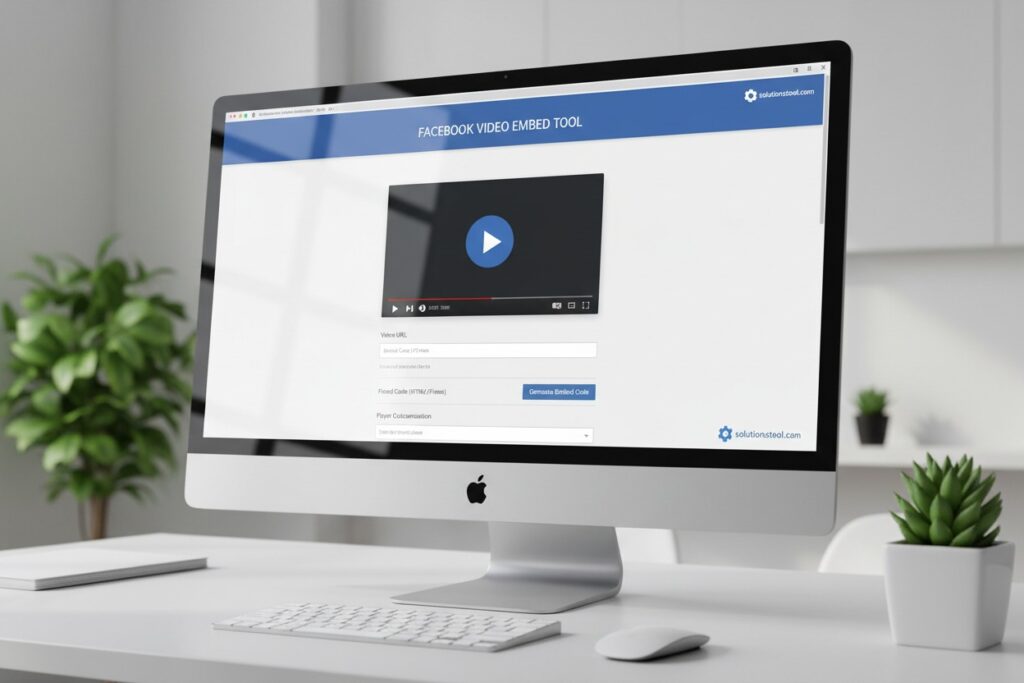
Paste any Facebook video URL below to generate a responsive embed code for your website, blog, or post.
Responsive Video Preview:
Embed Code (Copy & Paste):
The embed is fully responsive on desktop, tablet, and mobile devices.
The Facebook Video Embed Tool allows users to seamlessly integrate Facebook videos into websites, blogs, and online articles. By simply copying the embed code provided by Facebook, users can showcase videos directly on their pages, enhancing engagement and providing rich multimedia content without redirecting visitors to Facebook. This tool supports videos from public pages and profiles, ensuring easy sharing of content while maintaining the original video quality and interactive features such as likes, comments, and shares. It is an effective way for content creators, marketers, and businesses to expand their reach and connect with audiences through dynamic visual storytelling.
Facebook Video Embed Tool
In today’s digital landscape, video content reigns supreme. It is one of the most engaging forms of media, offering brands, creators, and businesses an effective way to capture their audience’s attention. Facebook, being one of the largest social media platforms globally, provides a powerful tool to share video content seamlessly: the Facebook Video Embed Tool. This blog post dives deep into what the Facebook Video Embed Tool is, how to use it, its benefits, and best practices to maximize your video content reach.
What is the Facebook Video Embed Tool?
The Facebook Video Embed Tool allows users to embed Facebook-hosted videos directly onto external websites, blogs, or other online platforms. This means you can take any video published on Facebook and display it outside the Facebook platform, enabling visitors to watch the video without needing to leave your site.
Embedding Facebook videos is a fantastic way to leverage your social media content across multiple channels, enhancing visibility and engagement. The embedded videos maintain many of the native Facebook video functionalities, such as play, pause, fullscreen, and sometimes even reactions and comments.
Why Use the Facebook Video Embed Tool?
1. Increase Content Reach and Engagement
Embedding Facebook videos on your website or blog helps you reach audiences beyond Facebook. Visitors to your site can engage with your video content without the need to navigate to Facebook, increasing the chances of views, shares, and interactions.
2. Enhance User Experience
Videos are proven to improve user engagement and time spent on pages. By embedding Facebook videos, you provide multimedia content that can make your website more dynamic, appealing, and informative.
3. Boost SEO Performance
Search engines favor websites with rich, engaging content, including videos. Embedding Facebook videos can help improve your SEO rankings by reducing bounce rates and increasing the time users spend on your pages.
4. Easy to Use and Implement
Facebook’s embed tool generates a simple HTML code snippet that can be pasted into your website’s code or content management system (CMS). This simplicity means even those with limited technical skills can easily integrate Facebook videos into their sites.
How to Embed a Facebook Video: Step-by-Step Guide
Embedding a Facebook video is straightforward. Follow these steps to get your video embedded on your site:
Step 1: Find the Facebook Video You Want to Embed
Navigate to the Facebook video you wish to embed. This can be from your own page, a friend’s post, or any public video on Facebook.
Step 2: Access the Embed Code
- Click on the three dots (…) on the top-right corner of the video post.
- From the dropdown menu, select Embed.
- A popup window will appear with the embed code.
Step 3: Copy the Embed Code
Copy the generated HTML iframe code provided by Facebook.
Step 4: Paste the Embed Code on Your Website or Blog
- Open the HTML editor of your website or blog.
- Paste the iframe code where you want the video to appear.
- Save and publish your page.
Step 5: Verify the Embedded Video
Visit your website or blog to ensure the video appears correctly and functions as expected.
Customizing the Embedded Video
Facebook allows limited customization to tailor the embedded video to your site’s look and feel. When accessing the embed code, you might find options such as:
- Show/Hide Text: Display or hide the post’s text above the video.
- Use Small Header: Choose a smaller header for a more compact video frame.
- Adjust Width: Modify the width of the video player to fit your content area.
Advanced web developers can also manipulate the iframe’s CSS styles for further customization.
Benefits of Using Facebook Video Embeds Versus Uploading Videos Directly
Many users wonder whether to embed Facebook videos or upload videos directly to their websites. Here are some advantages of using Facebook’s embed tool:
- Reduced Hosting Burden: Videos consume significant bandwidth and storage. Embedding Facebook videos means Facebook handles all hosting and streaming.
- Automatic Updates: Any updates or changes on the Facebook video (such as captions, comments, or views) are reflected in real-time on the embedded video.
- Social Proof: Embedded Facebook videos can display likes, comments, and shares, lending social proof to your content.
- Cross-Platform Experience: Facebook videos are optimized for various devices and screen sizes, ensuring smooth playback.
Potential Drawbacks and How to Overcome Them
While the Facebook Video Embed Tool is powerful, it’s essential to consider some limitations:
- Dependency on Facebook: If the video is removed or privacy settings change, the embedded video will no longer display.
- Limited Customization: Compared to native video players, there is less control over player functionality.
- Privacy Concerns: Facebook tracks users interacting with the embedded video, which might affect privacy-conscious visitors.
To mitigate these issues, always keep backups of your video content and consider hosting critical videos on your own platform alongside embeds.
Best Practices for Using Facebook Video Embeds
1. Use Public Videos Only
Facebook only allows embedding of public videos. Ensure your video’s privacy settings are set to public to avoid embed failures.
2. Optimize Video Content
Create engaging, high-quality video content tailored to your audience’s interests. The better your video, the higher the engagement.
3. Provide Context
Accompany embedded videos with descriptive text, summaries, or calls to action to encourage viewers to watch and engage.
4. Test Across Devices
Check how your embedded videos appear and function on different devices and browsers to ensure a seamless user experience.
5. Monitor Performance
Use Facebook Insights and website analytics to track video engagement and optimize your content strategy accordingly.
Exploring Alternatives to Facebook Video Embed Tool
While Facebook’s embed tool is excellent for integrating Facebook-hosted videos, other platforms offer similar functionality:
- YouTube Embed: YouTube’s embedding options are widely used and provide extensive customization.
- Vimeo Embed: Known for higher video quality and professional features.
- Self-Hosted Videos: Using HTML5 video players, you can host and control your videos fully.
Choosing the right platform depends on your goals, audience, and technical capabilities.
Conclusion
The Facebook Video Embed Tool is a valuable resource for content creators, marketers, and businesses looking to amplify their video reach and engagement across the web. By embedding Facebook videos on your website or blog, you can provide a richer, more interactive experience for your visitors, boost SEO, and leverage the social proof that Facebook offers.
As video content continues to dominate online communication, mastering tools like Facebook’s embed feature is essential. With a simple setup process, minimal technical know-how, and powerful benefits, the Facebook Video Embed Tool should be a core part of your content distribution strategy.
Start embedding your Facebook videos today and watch your content engagement soar!